Events
10 of them, and 2 cover most tables.
Select the table, scroll the Details panel to the events, and press the plus beside one. That adds the node to your graph.
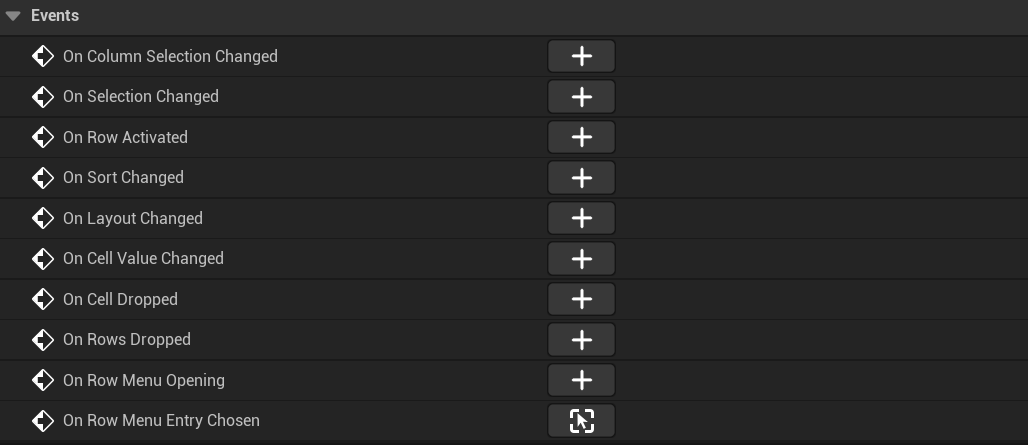
The two most tables use
On Selection Changed hands you the selected rows. This is the one you use to make a detail pane beside the table follow the list.
On Row Activated is a double click, or Enter on the focused row.
Editing needs no event
Set Cell Class on a column to Smart Table Editable Cell and switch Interactive Cells on. A column bound to a plain property is then editable. Bools get a tick box. Numbers get a number box. Text gets a text box.
Whatever gets typed goes back to your object through the same binding the column read with, and that row draws again by itself. A column bound to a function stays read only. A value you work out on the fly has nothing to write back to.
When you change an object yourself, in code or in a graph, call Notify Item Changed with it. That one row reads itself again. No other row does, and the order stays where it was.
Menus
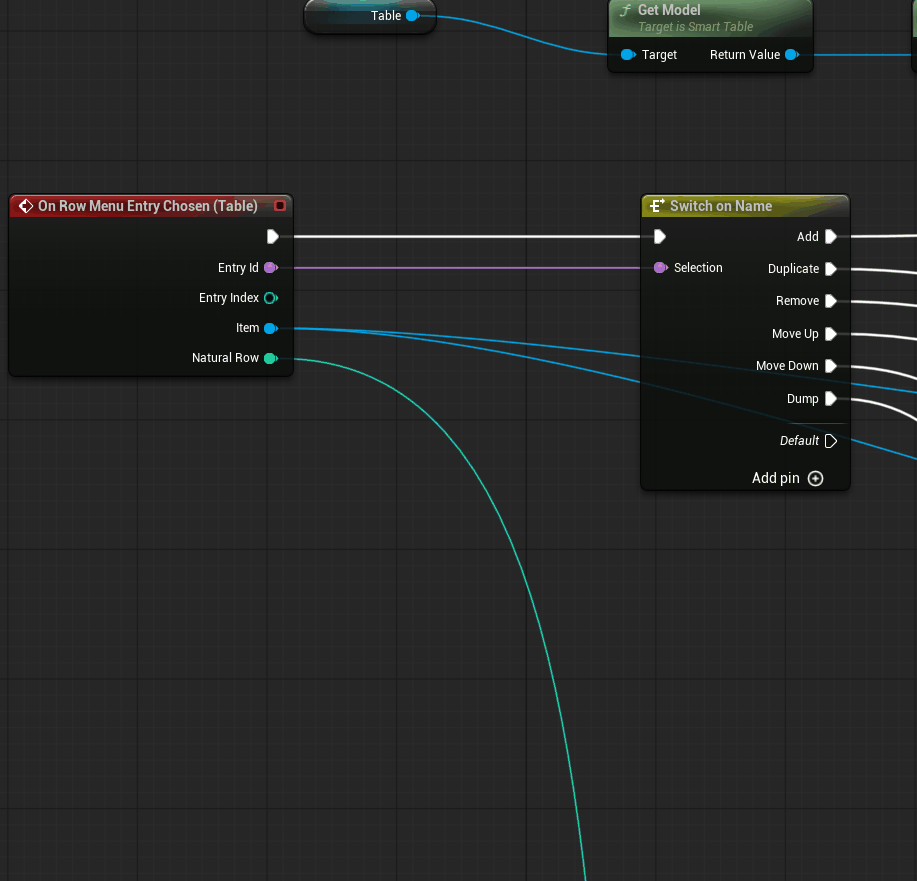
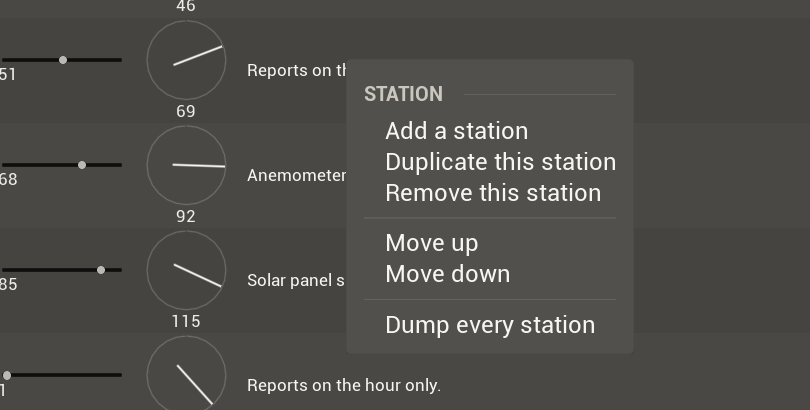
Switch on Enabled under Row Menu Options, which is off by default. Fill in Row Menu Entries on the table, each with an id and a label, then bind On Row Menu Entry Chosen and switch on the id.
Bind On Row Menu Opening when the entries are different from row to row. It fires before the entries are read, so if you change the list there you change the menu that opens.
The rest
On Sort Changed and On Column Selection Changed follow the header.
On Layout Changed only fires on a change the table itself made. It never fires on Apply Layout, so a graph that saves on it cannot end up looping against its own restore.
On Cell Dropped and On Rows Dropped cover drag and drop. On Extend Header Menu and On Extend Row Menu add entries from code.
On Cell Value Changed carries a number. A cell of your own raises it by calling Notify Cell Value Changed on the table when a control inside it moves. The built-in editors don't raise it, because they've already written the value.
One pattern behind them
The table writes none of your data. It says what happened and leaves the write to you.
The model is the exception, on two paths. A reorder goes through it, because the model is the only thing that knows where the rows are, so by the time On Rows Dropped reaches your graph the rows have already moved. A built-in cell edit goes through the model too, and raises no event.
Next: Sorting and filtering