Items with MVVM
The Items demo again, with a viewmodel for each row and no graph in the cells that bind to it.
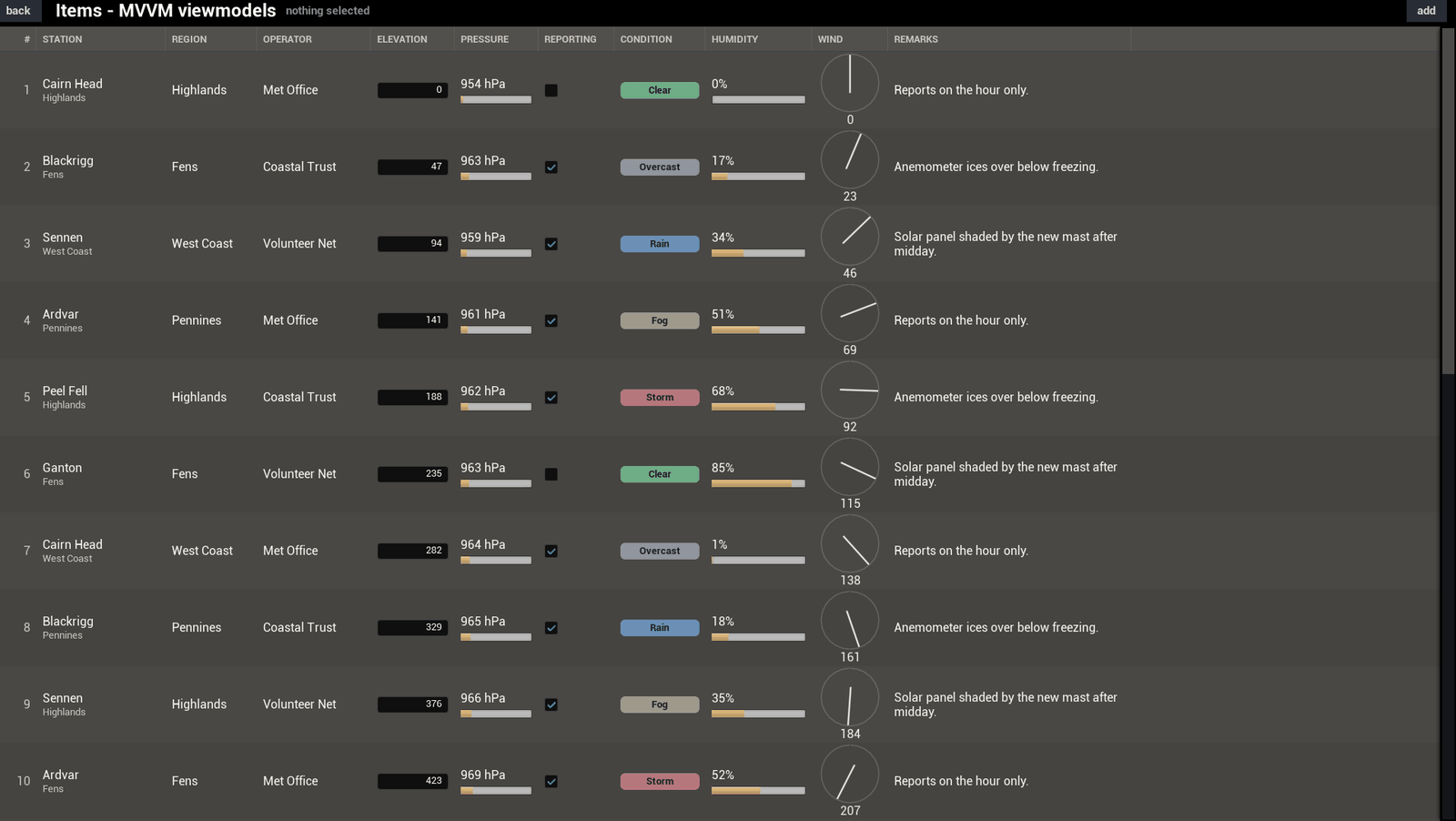
The same stations as the Items demo. Each row is a viewmodel this time, and three of the cells bind their widgets to it in the Widget Blueprint.
Cells with no graph
The station, pressure and humidity cells each name an Item Setter. The table hands the row's viewmodel to that function, and the cell's bindings draw it. None of the three has a graph. Or bind it to a viewmodel has the steps.
One value that keeps moving
A timer picks a station a few times a second and moves its pressure. The viewmodel tells its bindings, so the pressure cell draws the new value by itself. The demo then calls Notify Row Changed with that row, and the rest of the row reads again.
How it's wired
The row class is a C++ viewmodel. Its fields carry the names the Blueprint item uses, so the columns bind the same way in both demos.
The viewmodel also works out what a cell draws: the pressure as text, and the pressure and the humidity as a number from 0 to 1 for a bar. So no cell holds any maths.
Next: SmartTable.h