Selection and input
Mouse, keyboard, pad. Every gesture is also a node.
Selection
Selection Mode is Single, Multi or None. On Multi you get ctrl and shift click.
Read it back with Get Selected Rows. Or use Get Selected Items, which hands you your own objects.
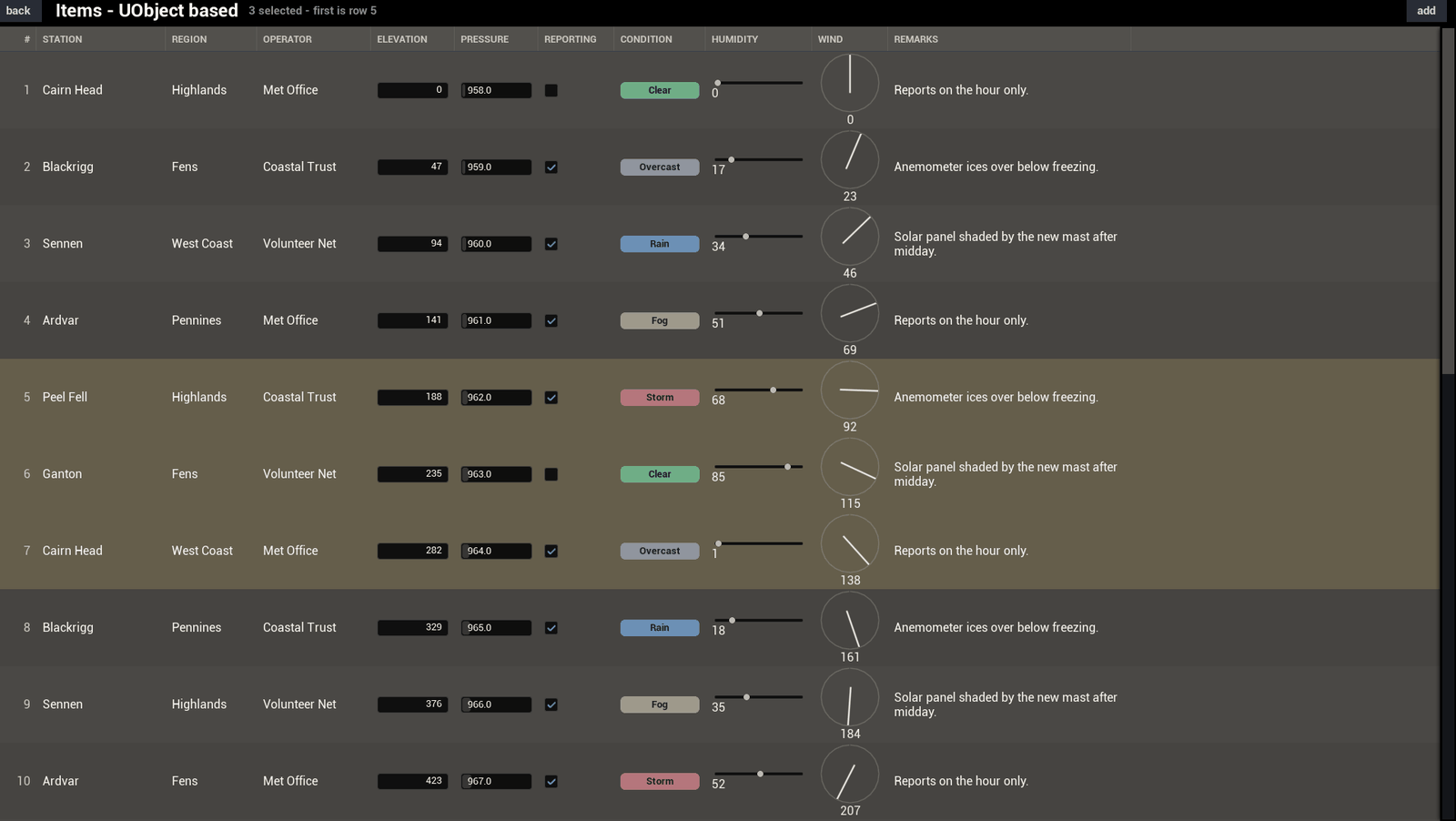
Nothing needs a mouse
Most of what a click does has a node too. Move Selection up or down. Move Selection By Page, Select First Row, Select Last Row, Activate Selected Row and Focus Table.
Columns get the same treatment: Cycle Column Sort, Set Column Width, Set Column Visible.
All of this was laid out for a console pad. A table-wide switch takes away a built-in binding and leaves the node. Two things need care: with Selection Mode at None the selection nodes do nothing, and dragging a cell has no node at all.
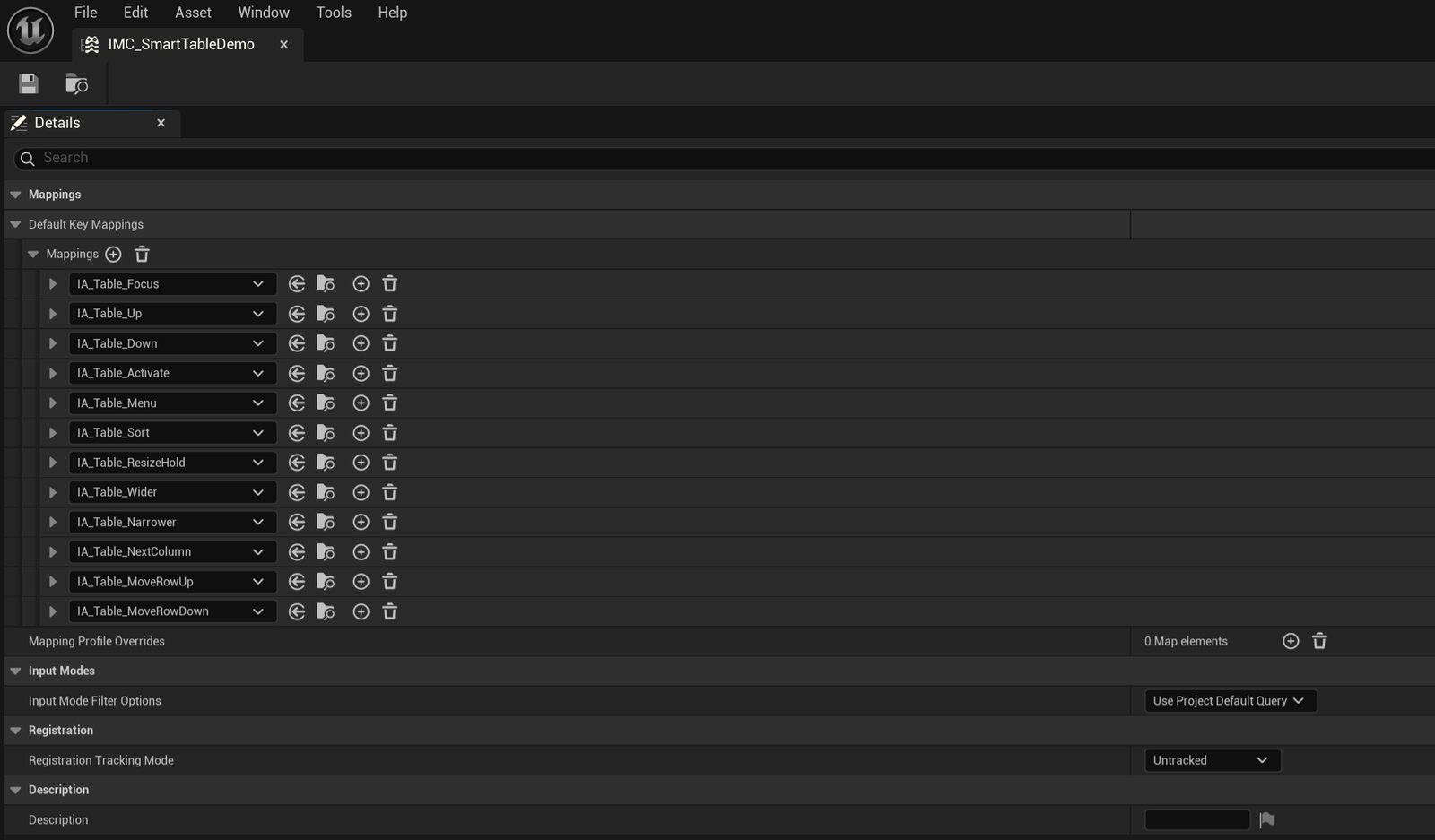
Nothing here asks you to use the built-in bindings. Point your own Input Actions at these nodes, or handle the keys yourself, and a pad reaches all of it.
No Enhanced Input
The plugin never links it. An Input Action value is a bool or an axis, so it cannot carry a hit result and cannot tell you which column edge you grabbed. Slate has eaten a handled click long before the player input stack ever sees it. And a table that insisted on a Player Controller would be no use in half the places you would want to put one.
So bind the nodes from whatever input you already use. Enhanced Input, CommonUI, or raw key events all work. Keys without Enhanced Input is that last one, with Enhanced Input switched off entirely.
Next: Reordering rows