Reordering rows
Off by default, and it needs a model that owns its own order.
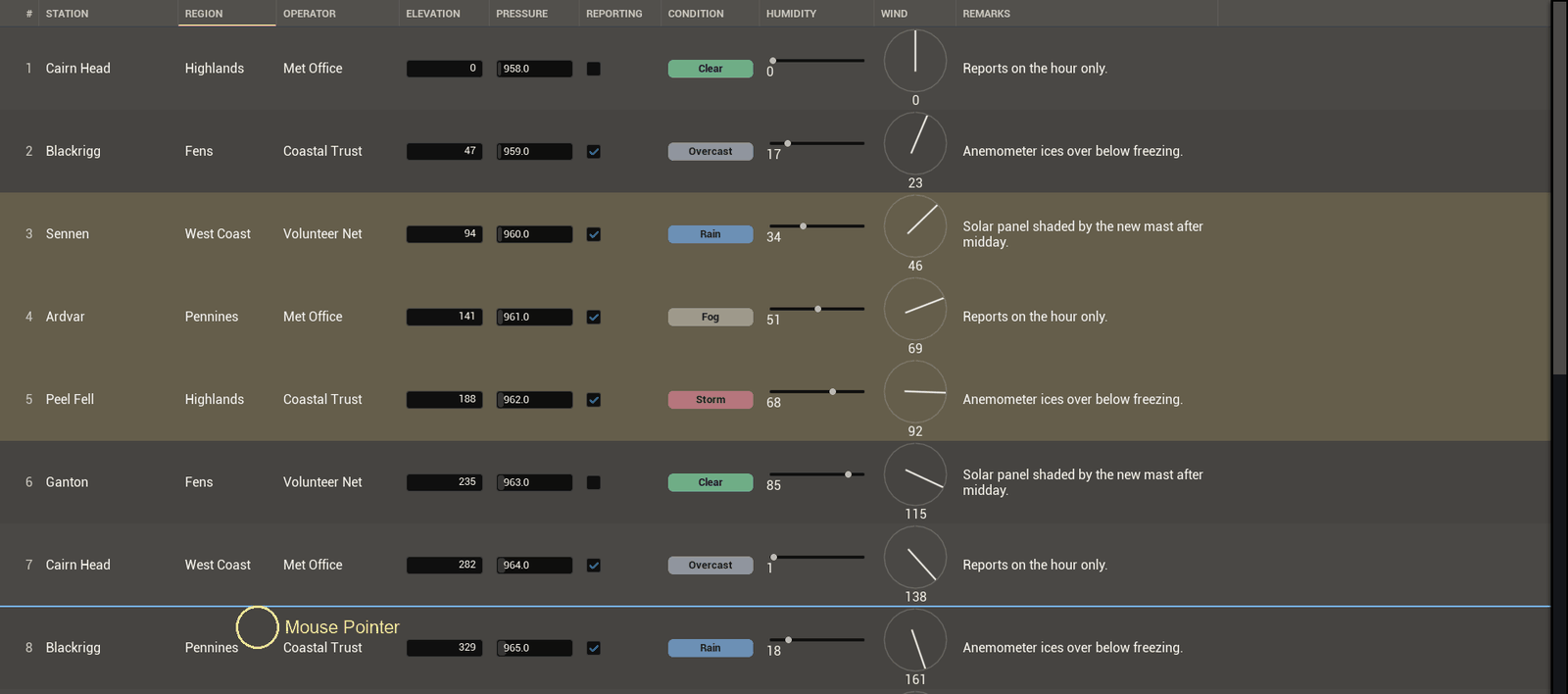
Turn on Allow Row Reorder and rows drag into a new order.
What it needs
A model that can move its own rows. The built-in one from Set Items can, because it holds the array. A DataTable one cannot, because that order belongs to the asset.
Dropping the sort
Moving a row clears the sort, and it has to. An order you set by hand under a live sort is an order the sort puts straight back. Move a row while sorted and it would look like nothing happened.
From a graph, or a pad
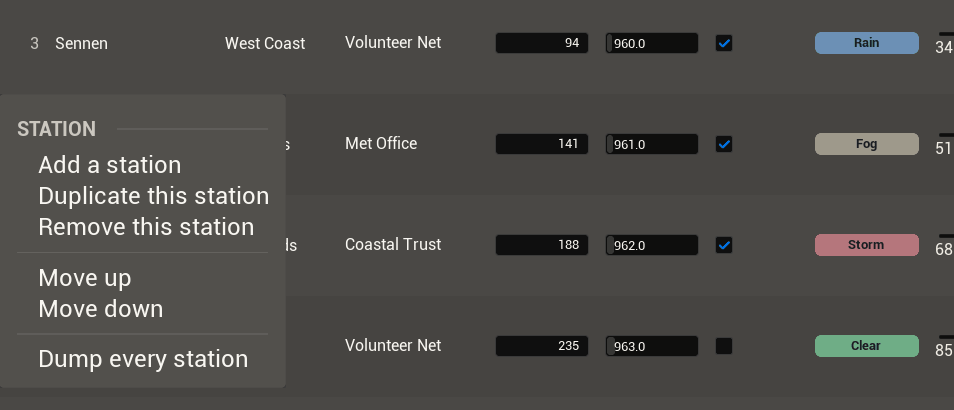
Move Selected Rows with -1 or 1 steps the selection a row at a time. That is the one to bind to a button. Move Rows To takes a list and a place instead.
With a filter on
Drag a row and you get a line showing where it lands. The drop puts the row straight after whichever row is above that line. That means the row you can see, not the one that follows it in the unfiltered order.
With a filter on, those two are not the same row. One step down the screen can be a long way down the real order.
Being told
Bind On Rows Dropped if you keep your own copy of the order, in a save file say. It fires after the rows have already moved.
Next: Layout and skin