Sorting and filtering
Natural order, two levels, and a filter that reads every column.
Sorting needs no setup at all. Click a header and it cycles ascending, descending, off.
Natural order
A run of digits inside a name reads as a number, so Asteroid 2 comes before
Asteroid 10. Numbers sort as numbers, so 1.25 comes before 1.5.
A model that only writes the text getter still sorts like this. The key falls back to the drawn text, and text keys compare naturally anyway.
Two levels
Hold Shift and click a second header. The first column is the order, the second breaks its ties.
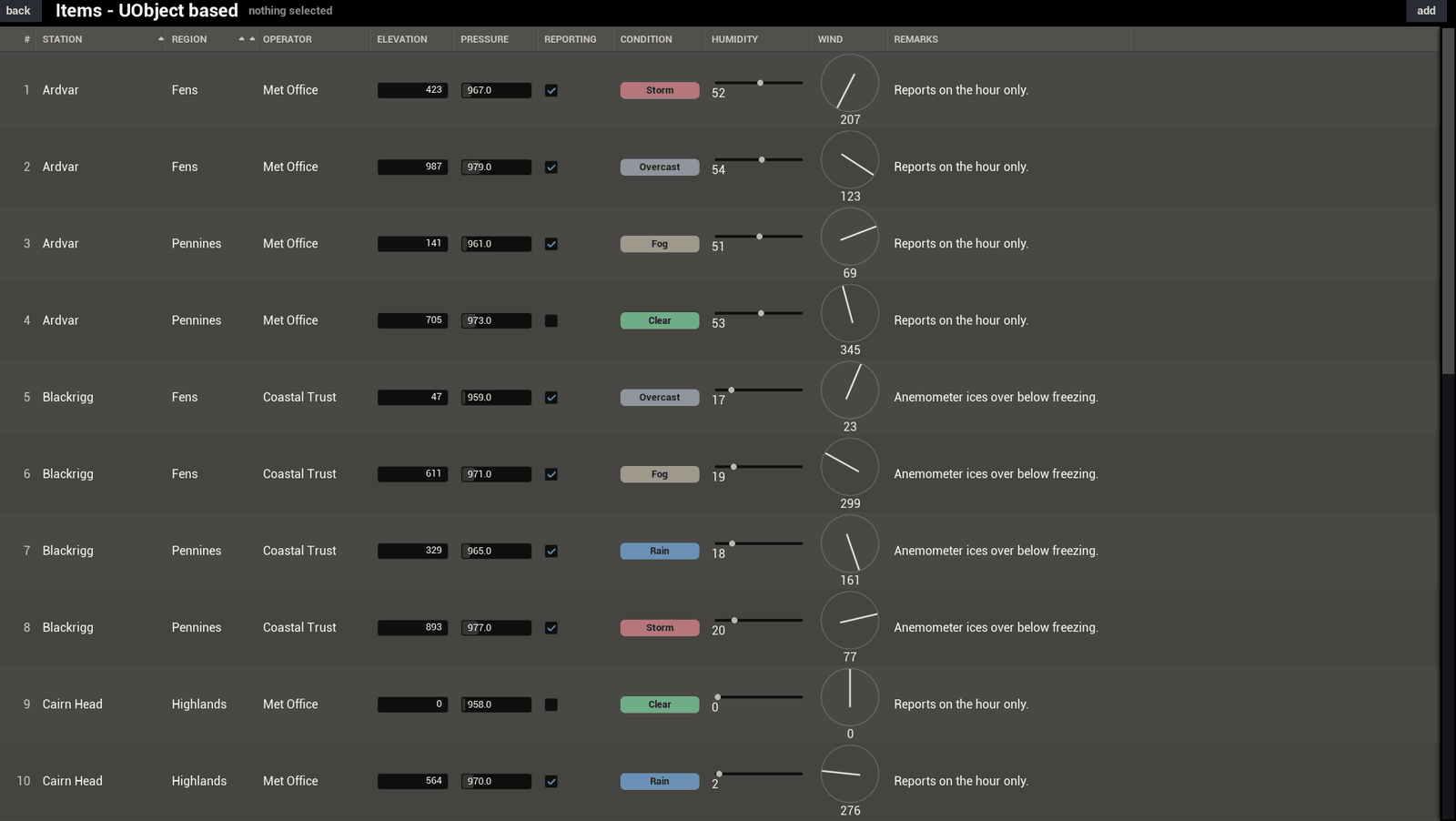
A column that breaks no tie gets refused, and while you hold Shift the header greys it out. Turn on Allow Dead Secondary Sort if you would rather the click went through.
Filtering
Call Set Filter Text, usually from a text box above the table.
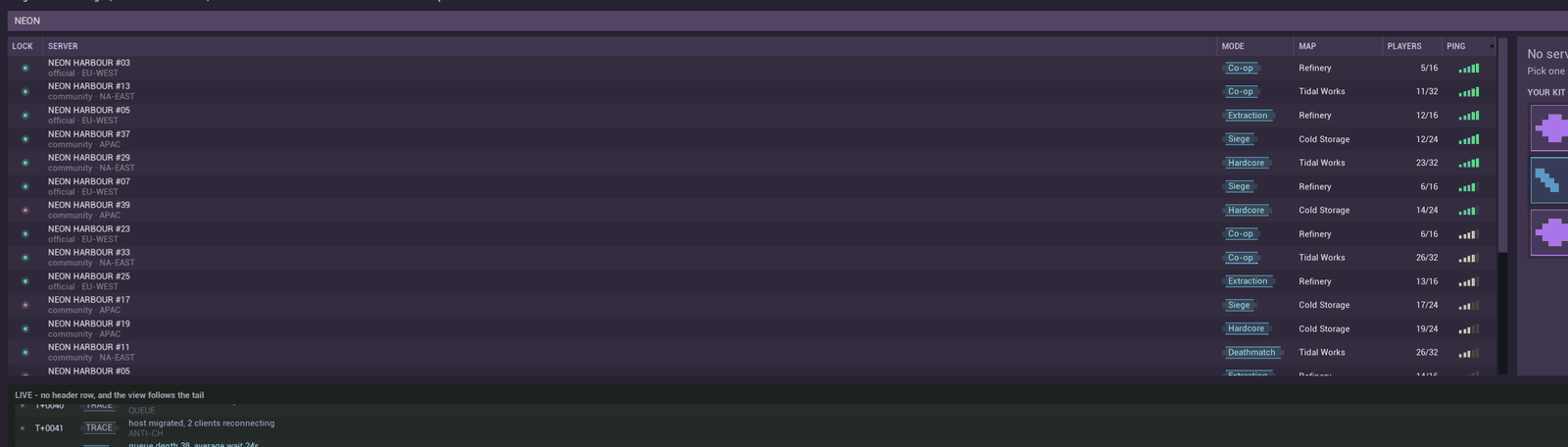
It reads every column, hidden ones as well. If it only searched the visible ones, the same words would give you different rows depending on which columns happened to be showing.
From a graph
Sort By Column with a mode, Sort By Secondary Column for the second level, and Cycle Column Sort, which is what a header click does. Set Sort Spec with an empty spec clears it.
Large tables
Sort a very large set and it is slow enough to see. Give the model a work dispatcher and the sort runs off the game thread instead, with the busy overlay up while it works.
Set Work Dispatcher is C++ only, so the call has to come from C++. Any model takes one, the built-in ones included. That is over on Dropping to C++. Without a dispatcher, every sort runs on the game thread.
Next: Selection and input